Go to ax.email
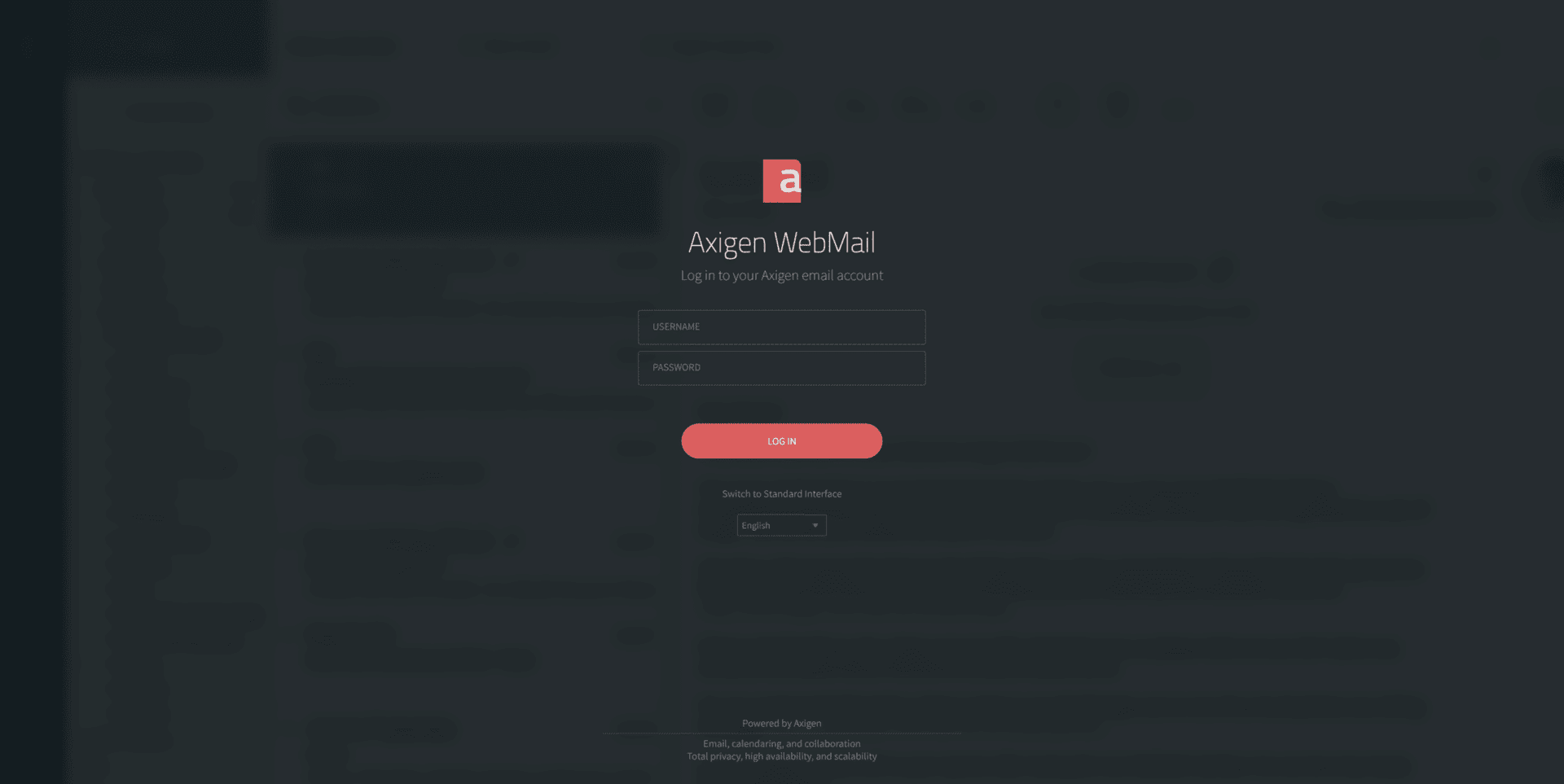
Open your web browser and go to https://ax.email. You'll see the Axigen WebMail login page:
Sign in
- Username, your full email address, e.g.
jane@yourbusiness.com.au. - Password, the password we set up for your mailbox, or one you've changed it to.
- Click LOG IN.
You'll see your inbox. You can read messages, write new ones, manage folders, set up your signature, search your archive, and access your contacts and calendar, all from the same browser tab.
Bookmark ax.email so it's one click away when you're on a different computer or borrowing one. Works on any device with a browser, no software to install.
Webmail is one option, not the only option
If you'd prefer to read your email in Outlook, Apple Mail, on your iPhone or Android, see our setup guides:
- Set up email on iPhone
- Set up email on Android
- Set up email in Outlook
- Set up email in Apple Mail (Mac)
- Set up email in Thunderbird
Or grab the universal server settings if you're using something else.